Customize your folder colors for easy identification
Folder Painter is a free personalization software that allows users to change the color of their folder icons. This feature helps in sorting and organizing files more efficiently by category, making folders quicker to recognize and improving overall file management.
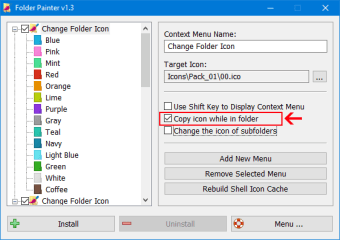
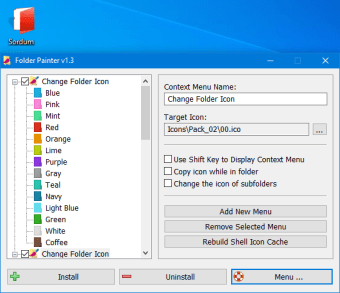
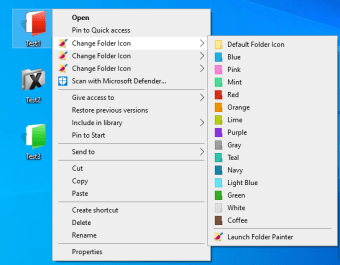
Folder Painterlets you assign colors like red, blue, and green to any folder, making them easier to identify since it helps reduce the visual clutter of having a long list of yellow folders. Once installed, you can right-click any folder to change its color and appearance.
The software also enables users to add custom icon packs for further personalization. It’s a handy tool for both functionality and aesthetics. However, its capabilities are limited to cosmetic changes only, with no additional features beyond visual customization. Additionally, the interface design looks outdated by today’s standards.
Makes file organization a lot easier
Overall, Folder Painter is a simple solution for easier file management. By allowing you to change the color and appearance of folder icons, you can effectively sort them out better and quickly identify key important folders at just one glance.
Laws concerning the use of this software vary from country to country. We do not encourage or condone the use of this program if it is in violation of these laws. Softonic may receive a referral fee if you click or buy any of the products featured here.














.png)